Learner Portal Access Issues
Answered
 Hey Axcelerate Users,
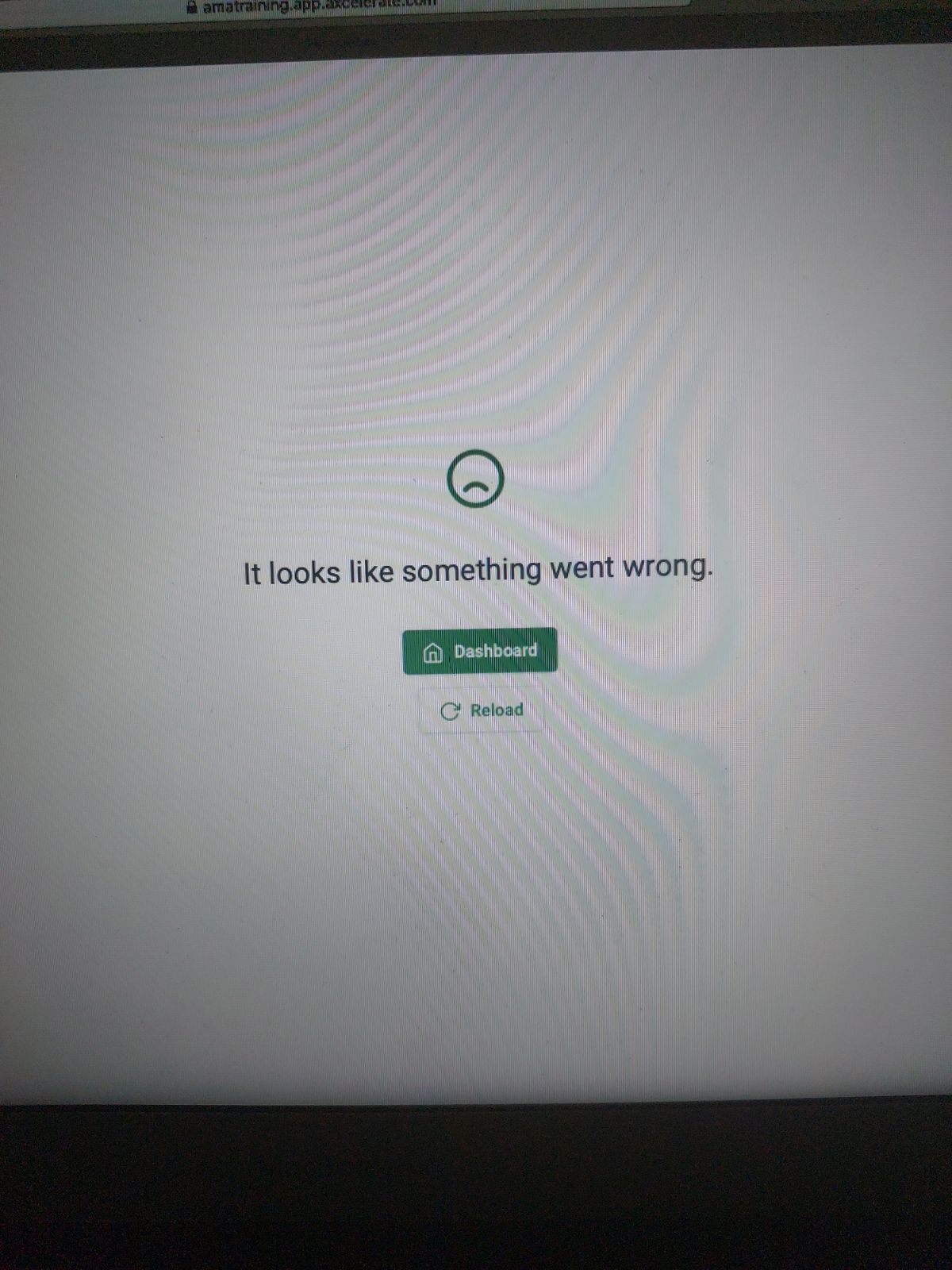
Is anybody else experiencing a rise in Learner issues with receiving... something went wrong errors?
We have been getting a lot of these, despite advising students to clear the cache, check for updates etc.
I have noticed myself some odd behaviour with the logging in for myself (admin)
Here's an example of a student issue
I am having problems accessing all of my assessments on axcelerate on my Ipad. I have cleared the cache and downloaded Chrome as suggested however, I still receive the “something went wrong ‘ error.
This is an extra burden which seems to have coincided with recent dev work around Multi factor (which we have NOT enabled) and the change in Launching as Learner
-
Official comment

Hi Martin
Thanks for raising this.
I will create a Support ticket for our Technical Support team to help troubleshoot this with you. They will be in touch shortly.
Thanks
Amina
Comment actions -
Thanks Michelle
I sent off a recording of a log in issue I experienced today, where the usual log in page wouldnt respond (and was probably related to Launching as a Learner, and then not logging out via student log out option)
We haven't taken the step of not advising the use of ipads (yet).. aXcelerate themselves haven't gone as far to suggest that. But in a way that's my point here that many of our students are in the 50s and 60s so having this recent layer of uncertainty post dev work is a problem. Even the Axcelerate minimum requirements page is probably confusing for most.

Post is closed for comments.
Comments
3 comments