Assessment interface (student management) - saved changes message

Hello team,
In the new assessment interface when making 'updates' to a student's assessment enrolment (such as access end etc) - it would be great if you could implement a pop up message like the green "saved changes" ribbon which appears in some other areas of aXcelerate to confirm that the changes have been saved successfully. (Currently, when making changes in this error, its difficult to tell if the system has actually saved the changes you have made).
Sidenote - have noticed improved performance in this area since the change so big tick for that! thanks team
-

What Ive noticed is that if I change a question:
thereafter I have 2 options1. Save at the item level 2. Save at the assessment level
In some cases I seem to have lost work possibly because I didnt save in both - so now I make sure I save at item and at assessment level. Not sure if this is expected behaviour. -

Hi Martin
Stuart was talking about the Assessment Enrolment page:
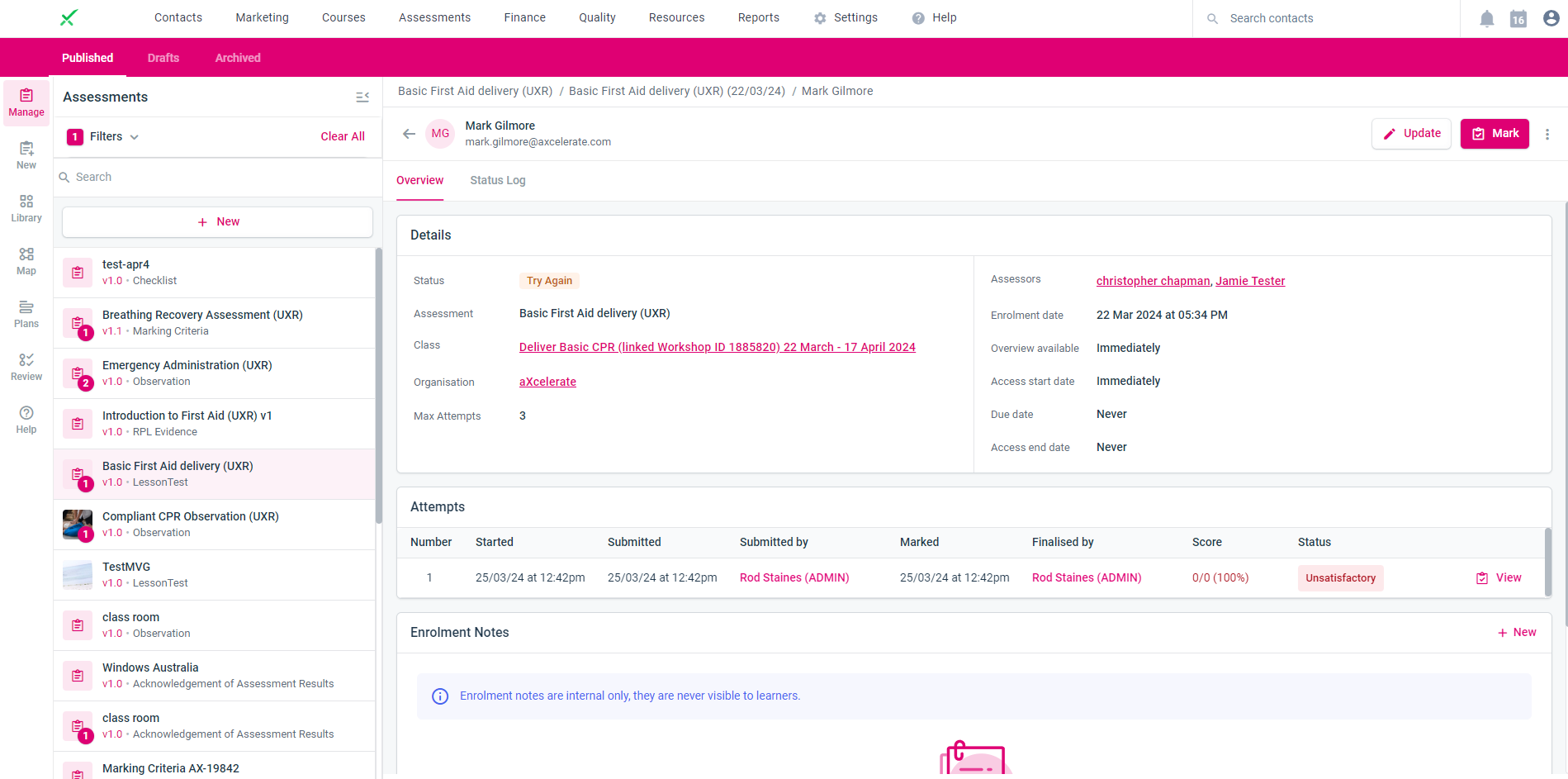
I believe you're referring to the Assessment Authoring page:
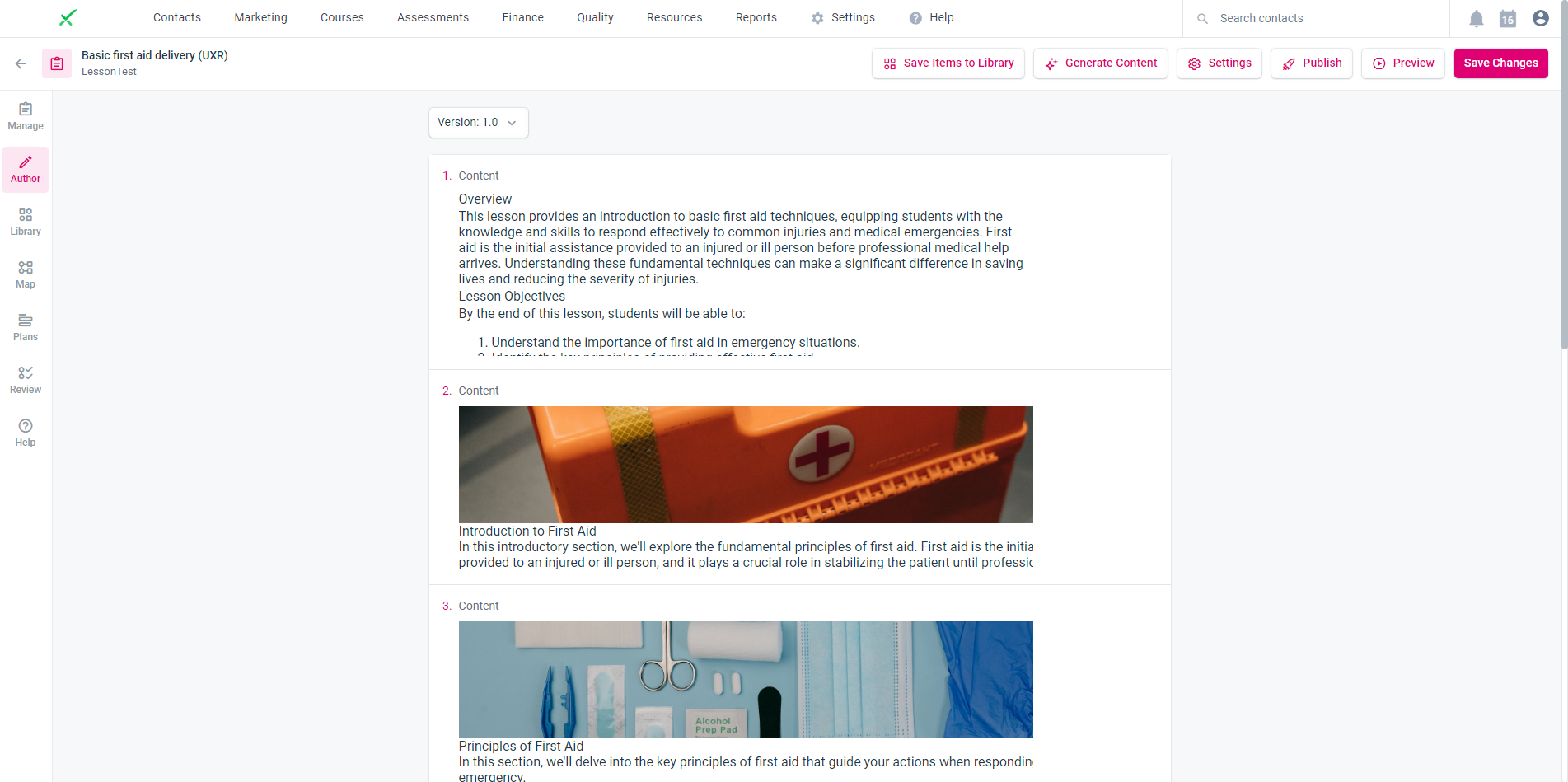
However, I do appreciate the behaviour you're describing. I'm happy to share that we've been working on an Authoring refresh for a few months now that will hopefully be ready early in the new FY. There will be a number of performance and usability improvements associated with the refresh, including resolving the behaviour that you're describing.
Please sign in to leave a comment.
Comments
4 comments