Electronic Assessment Marking Page
Answered
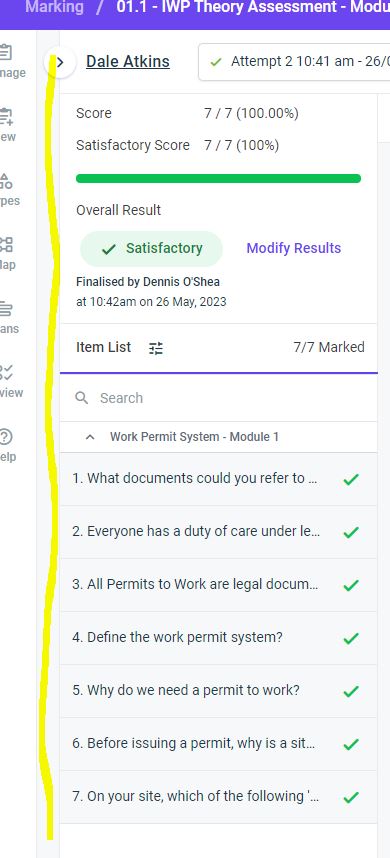
There has been an update overnight it seems that the Electronic Assessments Marking Page no longer shows multiple students enrolled in that module in the class along the left side of the page (see attached document where yellow line is - that is where the list of students would appear). You now have to open each one individually to mark it. Is it possible to change this back please?


Please sign in to leave a comment.
Comments
3 comments