Use of Templates when Sharing a Certificate

It would be good if when sharing a certificate we could select from templates rather than having to type out an email.
-

Hi Kasey,
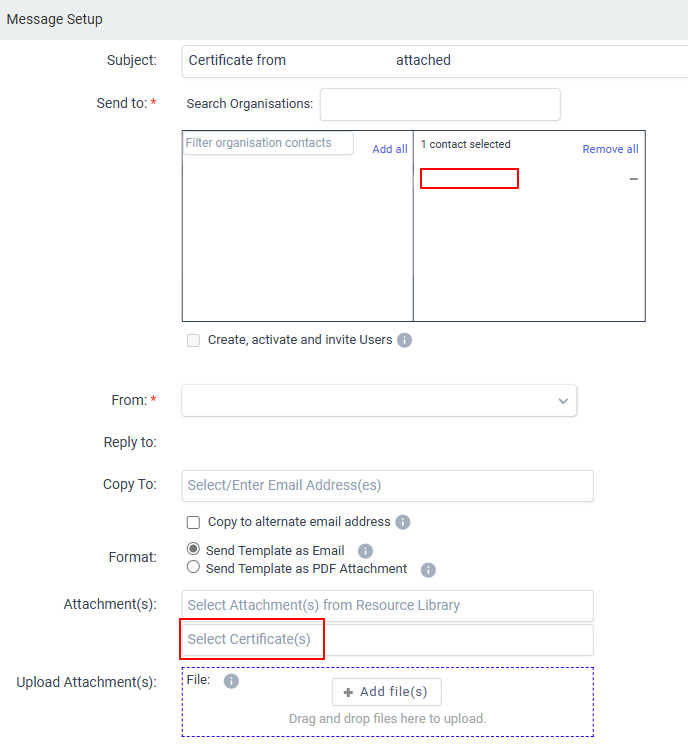
Once the certificate is generated, you should be able to go to Template against the enrolment and select a predefined template with courtesy text (Hi xx, Congratulations on your completion, here is your certificate).
On the final send screen, there will be a text field to select a certain certificate to send.
-

Hi Tom
This is one option to send a certificate, however in order to use the new 'share certificate' feature (you need to click on the credential first and then select the
 icon. However, this takes you to an email screen where you are not able to select one of our templates.
Could you connect the new share certificate feature to our templates please?
Please sign in to leave a comment.
Comments
5 comments