NSW Smart and Skilled reporting
Answered
Include tick boxes in the student enrolment level for all NSW Smart and Skilled funding types (EG - EFQ, TPFQ, NET, EWT etc). Then allow the AVETMISS reporting section to be able to only report funding for a particular funding group (EG - I can tick a box so that I am only reporting information for New Entrant Trainees or only reporting for Entitlement Full Qualifications). This would be handy as currently we are reporting all funding types with having the ability to narrow it down to a particular person or timetable.
-

Hey Kylie,
Not sure if you got a solution for this or not yet.
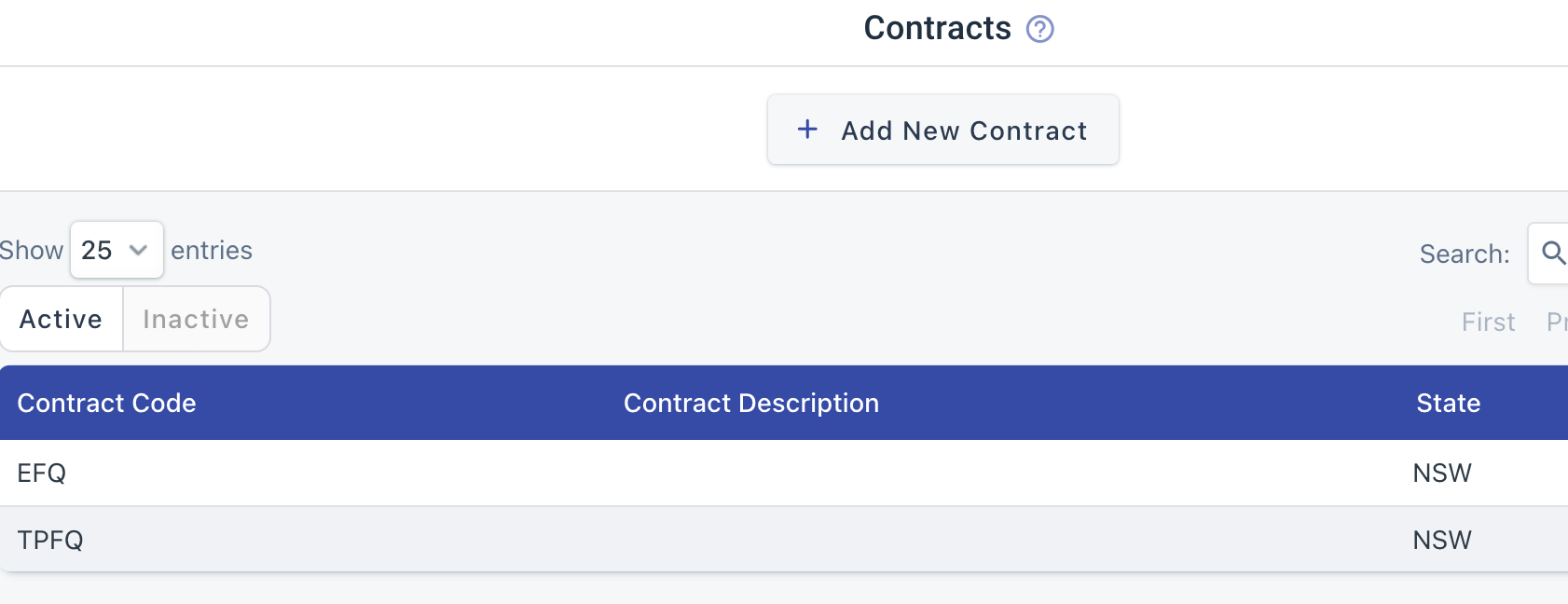
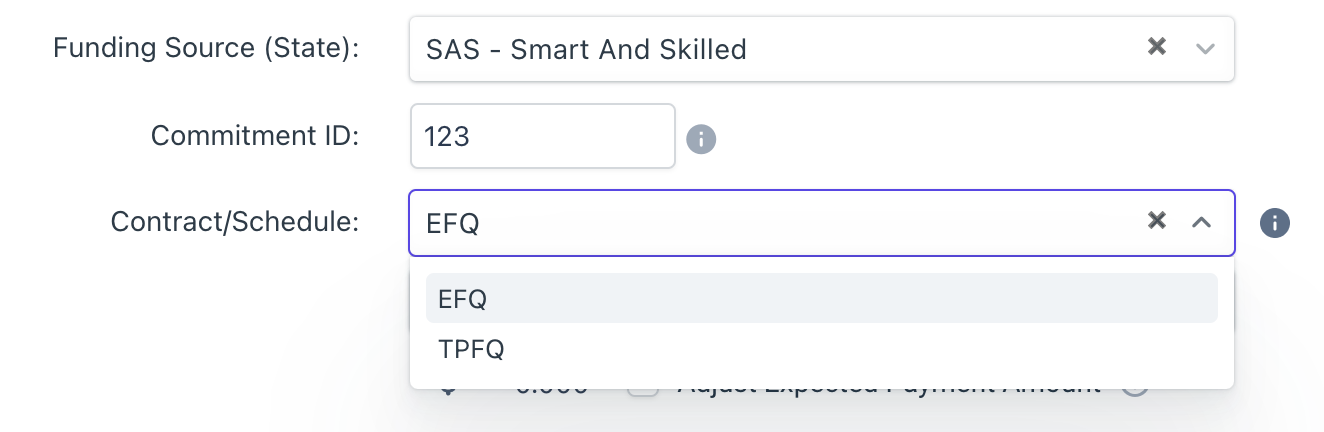
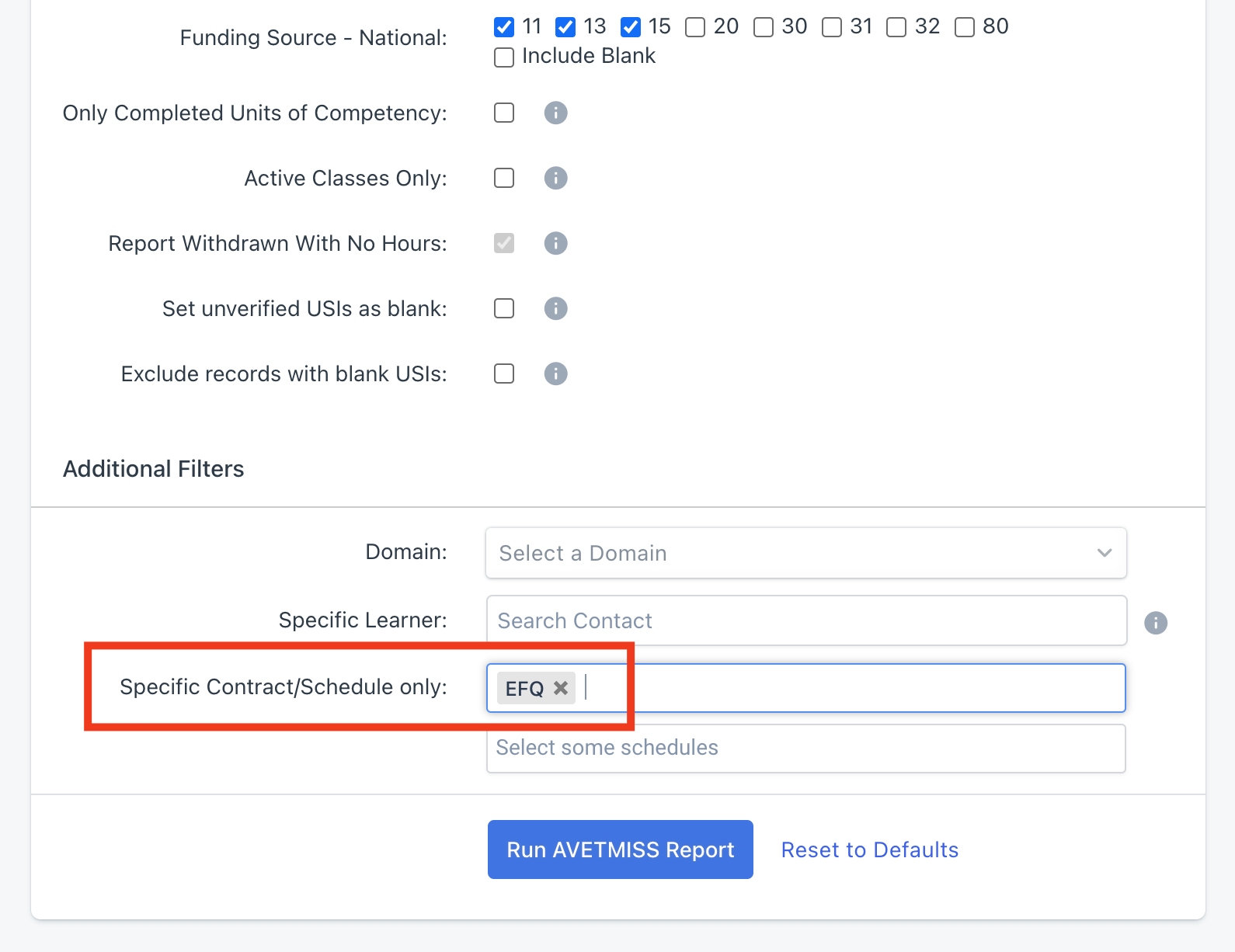
One option would be to create Contracts (Courses -> Contracts) called EFQ, TPFQ, ... . These are not reportable under Smart & Skilled, so you can use any acronyms/names you want, but you can record them against enrolments in aXcelerate. Then you can filter by these contracts when you run AVETMISS:
Hope it helps :)
Cheers,
Michael
Please sign in to leave a comment.
Comments
2 comments