Browsing to Resource Library

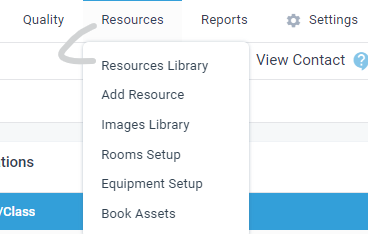
Hi - Is there a way to browse to the resource library within aXcelerate? Instead of opening image library and copying address and pasting etc
Thanks
-
Hi Pip - Thanks for responding :)
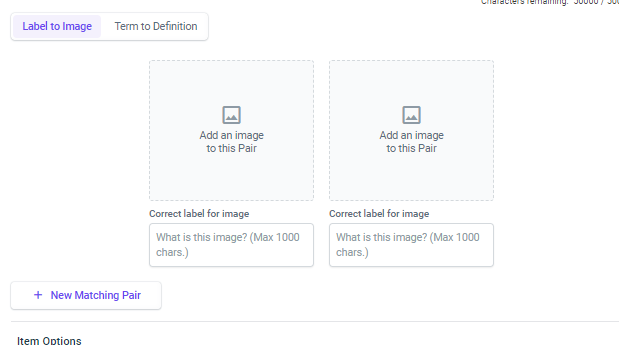
I can see the image library and access it from that menu but I was more meaning can you browse to it from other applications for example matching lists in the assessment application; or adding the same icon into a learning plan. If you copy and paste from the learning plan it seems to add the image multiple times to the image library. Other CMS I have used (in other products) you can browse to the image library
-

Oh browsing the image library to add to assessments.
Yes, that is an issue we have experienced too and I am not aware of any way to insert an image into assessments from the image library, it is quite annoying for us too. I've suggested a similar thing in the past as it was saving over images if they happened to have the same file name.
I would have thought this was something axcelerate would have actioned by now, it almost seems pointless having the image library.
Please sign in to leave a comment.
Comments
3 comments