AI Generate Questions from PDF converts all question types to MCQ and shuffles question order

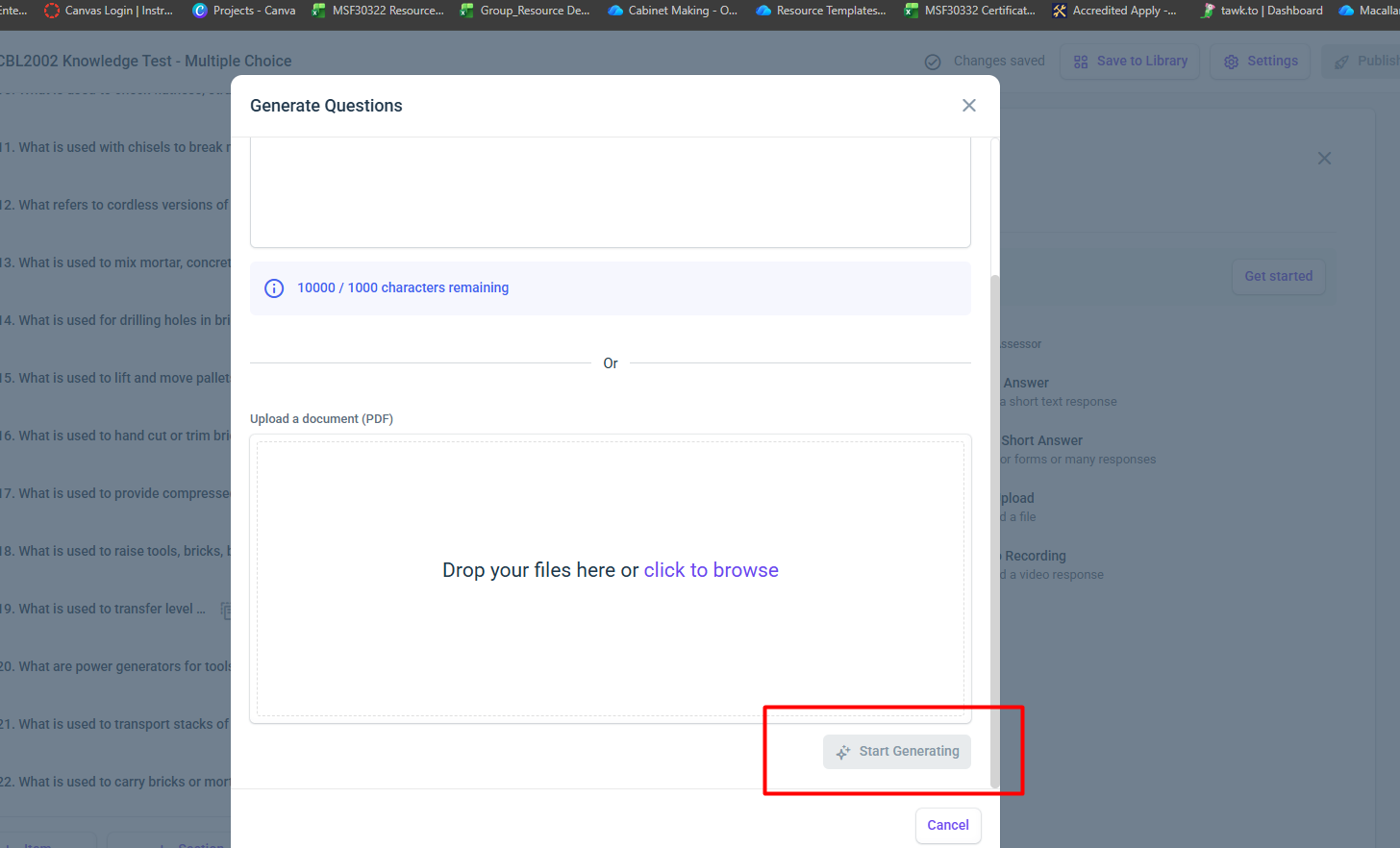
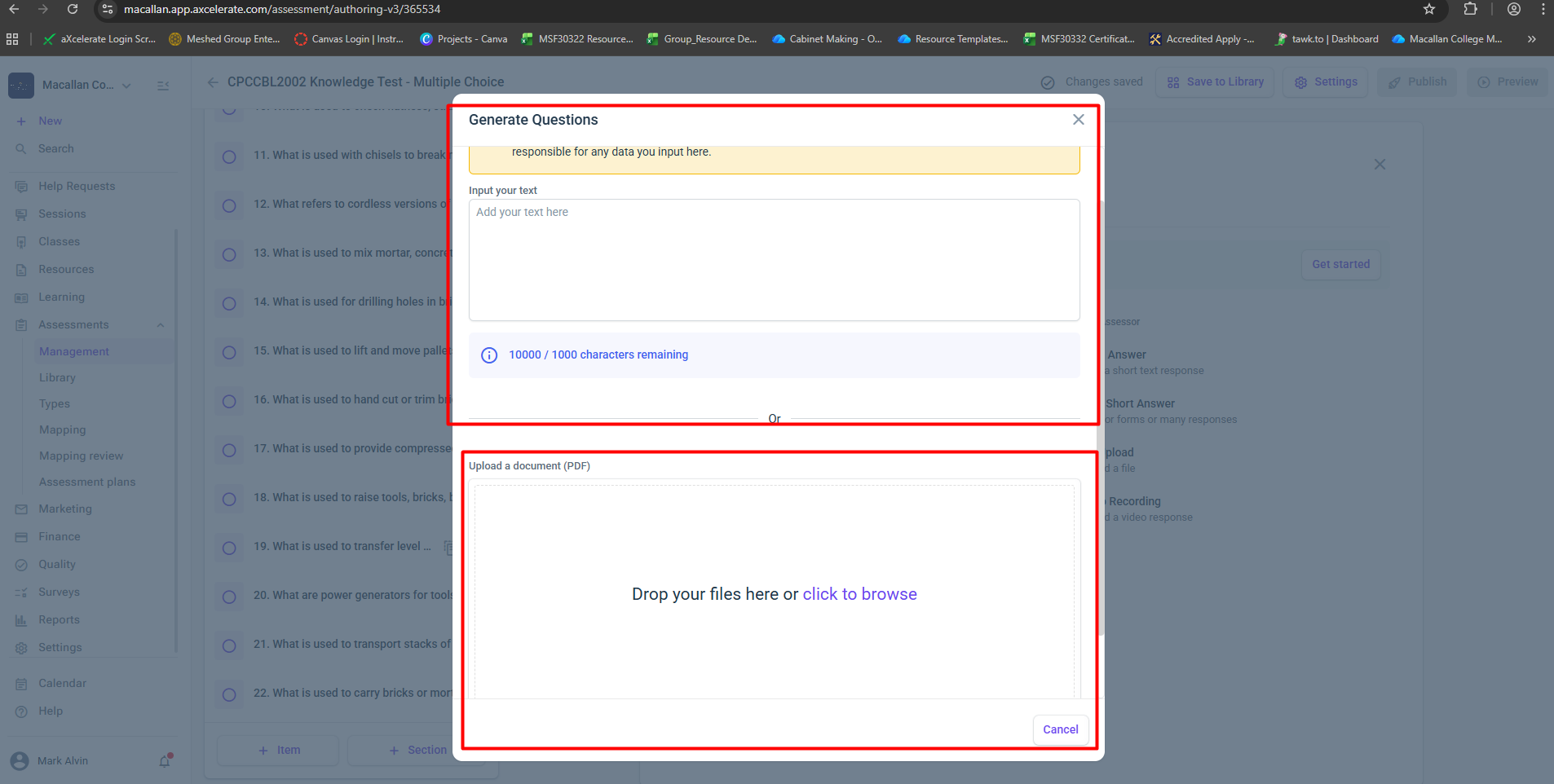
We tested the AI Generate Questions feature using the PDF upload option within the assessment authoring tool.
The uploaded PDF contains multiple question types, including:
-
Multiple Choice (MCQ)
-
Dropdown list questions
-
Short answer questions
-
True/False questions
-
Other structured assessment formats
After uploading the document and selecting Start Generating, the system successfully generates the questions in the assessment. However, two issues were observed during the generation process.
First, all generated questions are converted into Multiple Choice / Multiple Answer format, regardless of their original type in the PDF. Question types such as dropdown lists, short answers, and other formats are automatically generated as MCQ questions instead of preserving the original question type.
Second, the generated questions appear to be shuffled, meaning the order of the questions does not follow the same sequence as the original PDF document.
Please help to check and advise how this issue can be fixed when generating questions from a PDF document.
-

This still seems to be an issue. We would also like to see the feature include tables etc for multiple short answers. We have some pretty basic word docs that we upload, but at the moment it really only grabs the text and creates a question - and most of the time jumbles the order. So we have to manually go back in, correct the order, adjust the question type where needed and it really doesn't save that much time.
Please sign in to leave a comment.
Comments
1 comment