Email Template dynamic fields don't work when sending to class

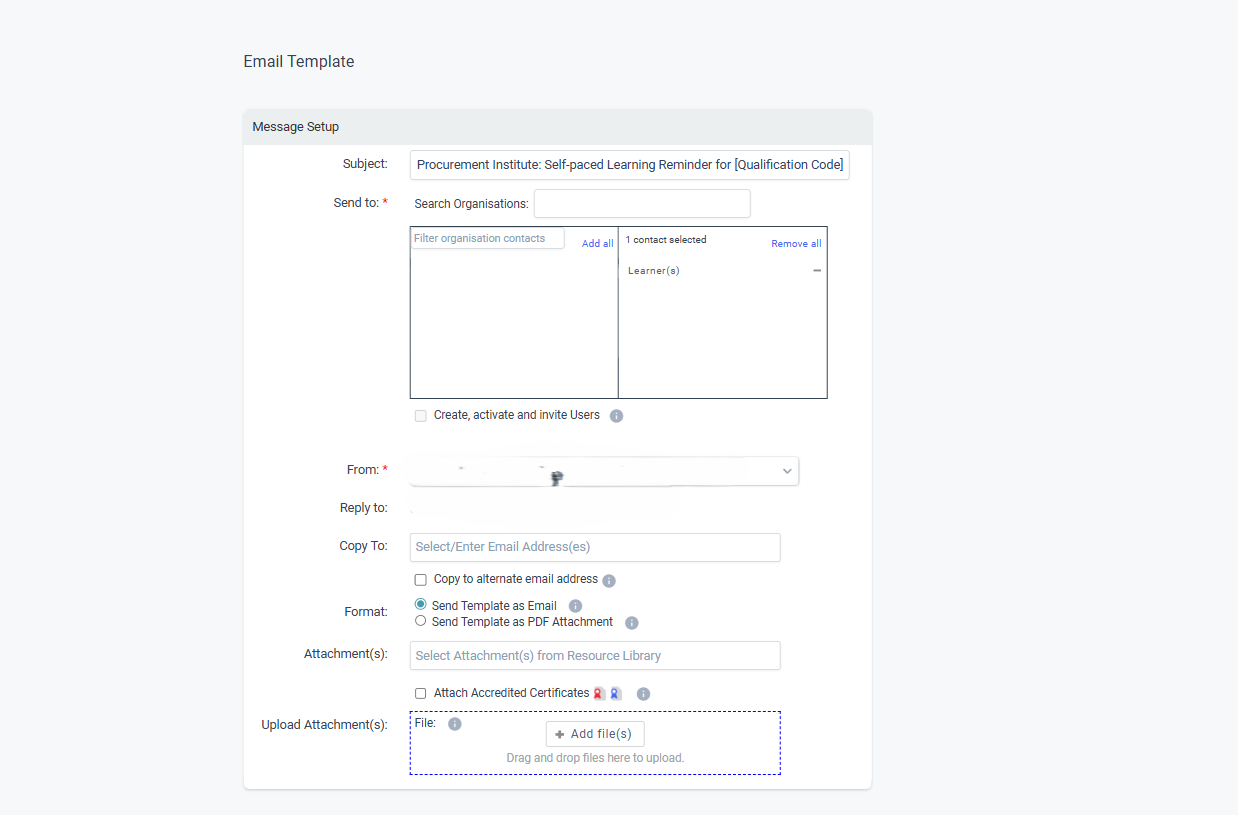
When you create an email template and put dynamic fields in the subject line it doesn't pull through when you send via a class template or to individual user.
I have set up a template with dynamic fields [qual code] [qual name]. But when I go to send this email to a class list manually - it shows in the subject line as per the template. However when you send it, the dynamic field does not translate, and the student gets a half legible subject line.
There is no warning that these dynamic fields do not work so it would be good to either alert the user this is the case or allow these to pull through. The whole point of having a template is so you don't have to keep updating emails when you send them manually. 

Please sign in to leave a comment.
Comments
1 comment